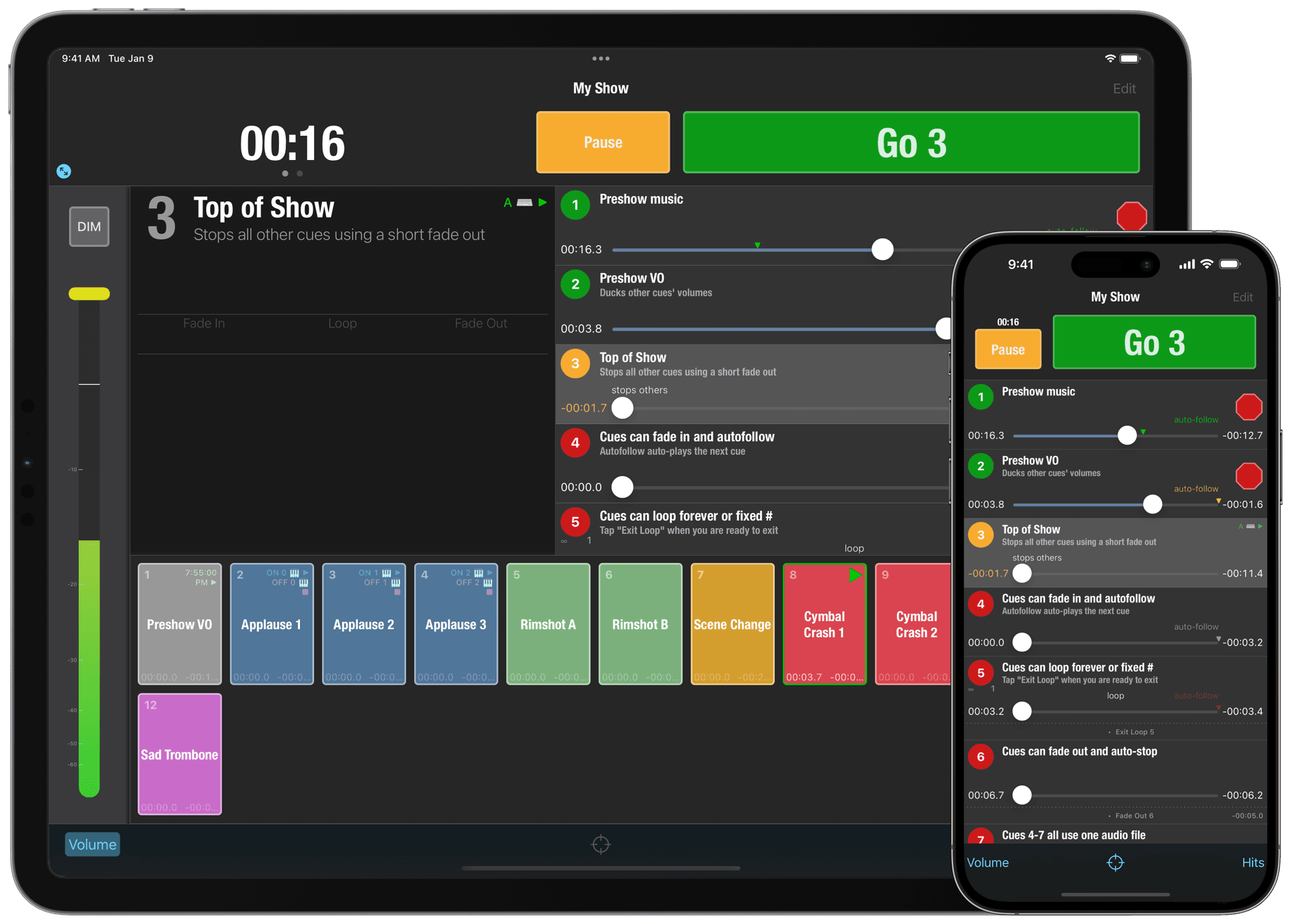
Go Button® lets you confidently play music and sound effects for live shows — anywhere you take your iPad, iPhone, or iPod touch. Try it for free and discover just how powerful portable can be.
Now wherever you go, you can run your sound the right way with consistent and foolproof playback at every performance. Take your show anywhere — mobile and untethered.
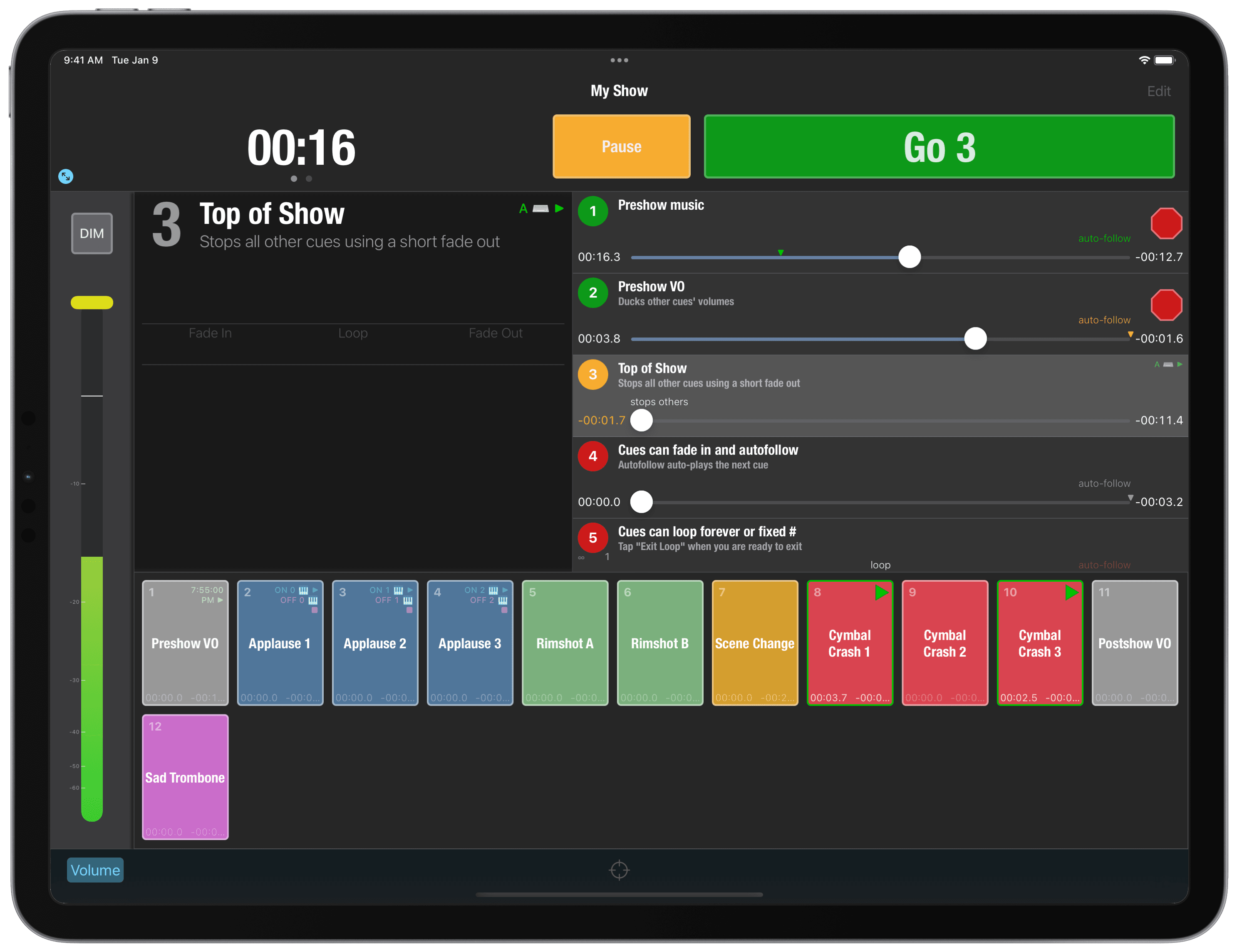
Go Button makes it easy to build playlists so you can confidently play music and sound effects for your live shows — anywhere you take your iPad, iPhone, or iPod touch. Try it for free and discover just how powerful portable can be.
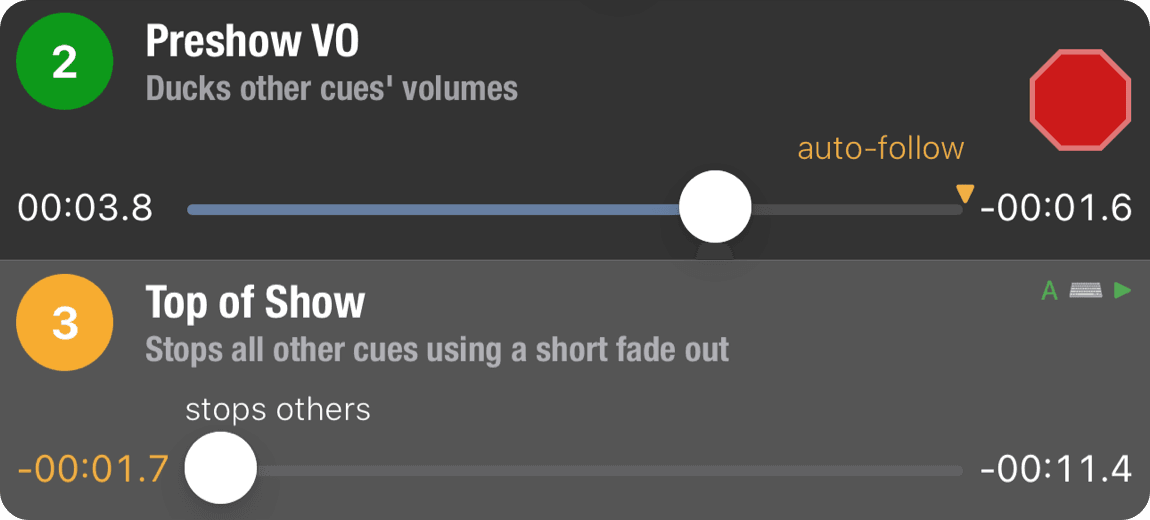
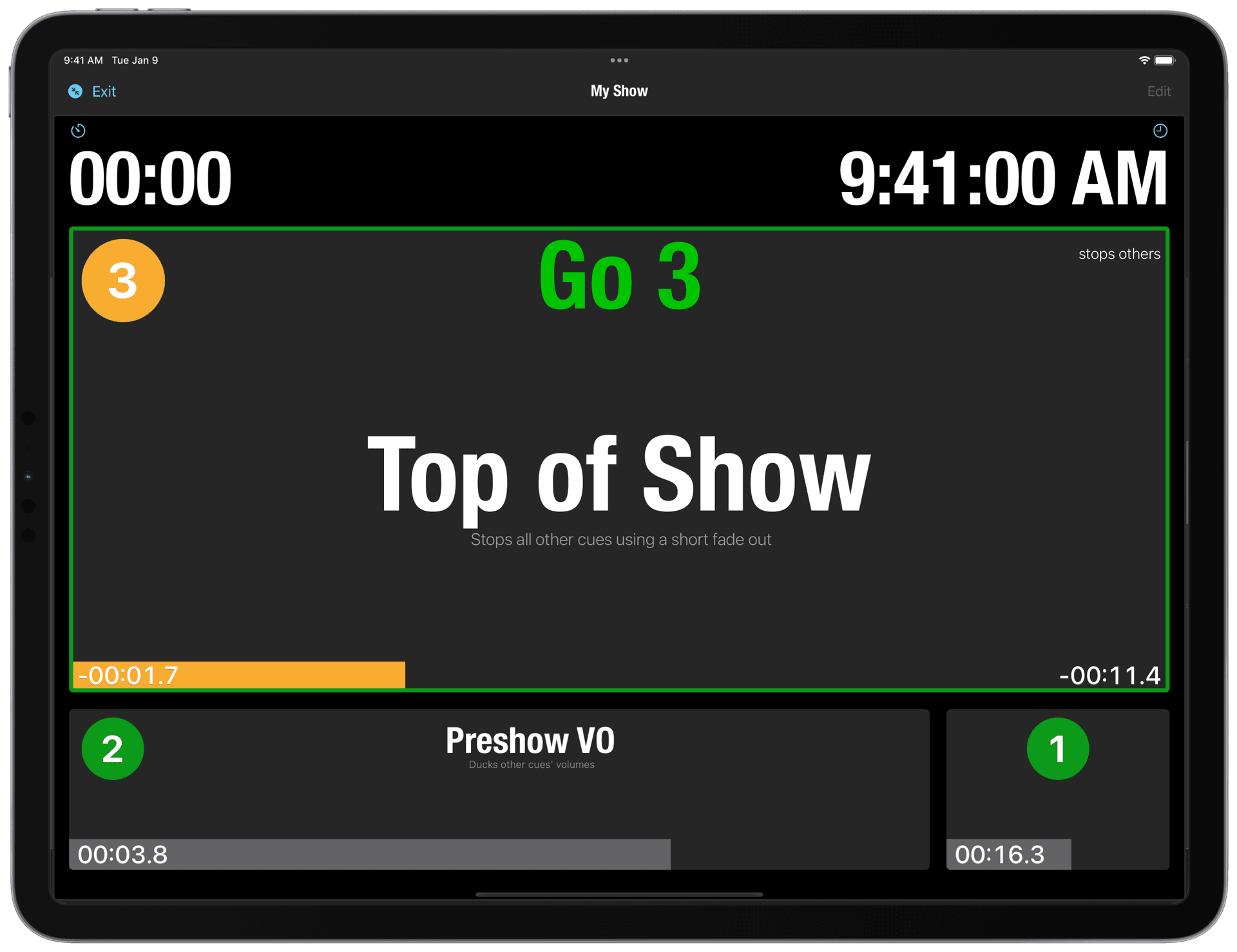
Whether you're a perfectionist or just short-staffed, running your own sound is as easy as tapping “GO”. Trigger your show wirelessly with any iOS-compatible remote control or Bluetooth keyboard. Customize exactly which Go Button action is performed for each of your remote control's commands. On iPad, Full Screen Mode gives you an easy-to-read, large text view designed to let you see your show even if it's located offstage or far away.
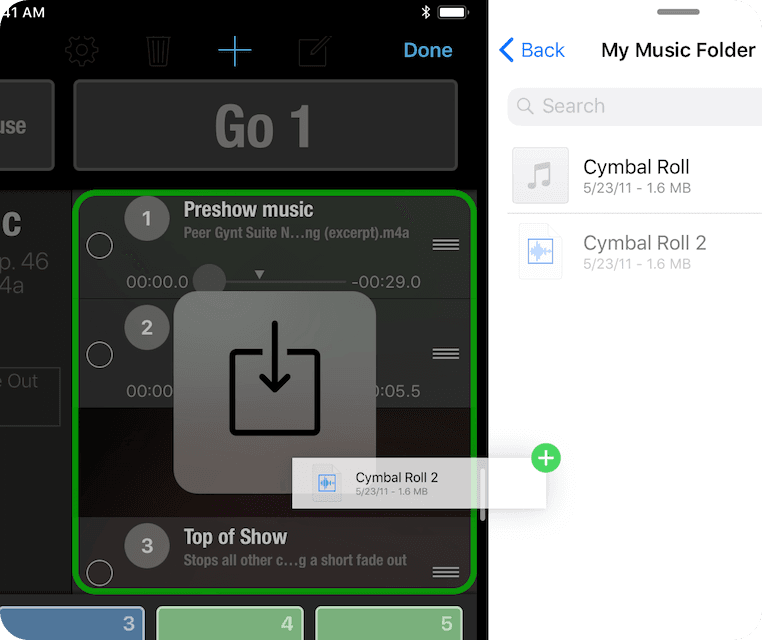
Batch import audio files with AirDrop or copy a file from apps like Mail and Messages. Drag and drop an entire folder from services like iCloud Drive or Dropbox in iPad Split View. Non-destructive editing keeps makes last-minute adjustments a breeze.
We are engineers, artists, designers, composers, actors, musicians, and more. We help people put on a great show.
We also make QLab, macOS software for designing and playing back sound, video, light, and show control cues, and run The Voxel, a multi-use performing arts lab.

 Go Button